Join the millions already enjoying Kodi
Kodi is available as a native application for Android, Linux, Mac OS X, iOS and Windows operating systems, running on most common processor architectures. A small overview of the features can be found on our about page. For each platform, we offer a stable and development release(s). For normal users we recommend installing the stable releases.
Notice
The official Kodi version does not contain any content whatsoever. This means that you should provide your own content from a local or remote storage location, DVD, Blu-Ray or any other media carrier that you own. Additionally Kodi allows you to install third-party plugins that may provide access to content that is freely available on the official content provider website. The consumption of pirated content which would otherwise need to be paid for is not endorsed or approved by Team Kodi.




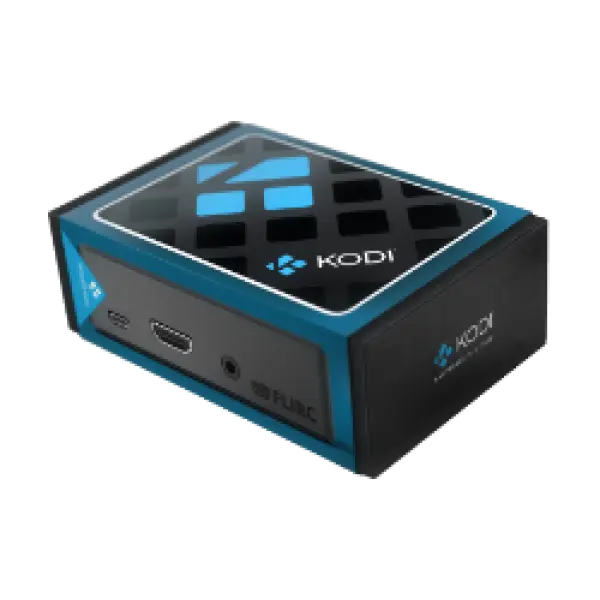
Select Your Platform
Kodi has many flavours, our developers have worked hard to make it support a large range of devices and operating system. We provide final as well as development builds for future final release versions. To get started, simply select the platform that you want to install it on.



Kodi Foundation Remotes
Like Kodi itself, both official remotes are free and open source software.



Older Releases
Please note, development of the v20 "Nexus" line has ended. If you discover a bug in v20, please test if the bug is also present in v21 "Omega" and submit your bug report for v21 if present. While we do not recommend using old builds, you can download an old build from our mirrors site if you need to.
Source Code
Current development is done in our git repository. The source can be viewed online, downloaded, or cloned from our github repository:
$ git clone https://github.com/xbmc/xbmc.git
We need your help
You can help in so many different ways. As you may or may not know, Kodi is maintained completely by volunteers and we need and value any contributions to the project. If you can code, we are always on the lookout for new team members to assist with development. Even if you don't code, you can help others in the forum, assist with quality assurance testing, or contibute to language translations. If you are pressed for time but still want to give back, then you can donate or purchase some great Kodi merchandise. Visit our contribute page for all the other ways you can help.